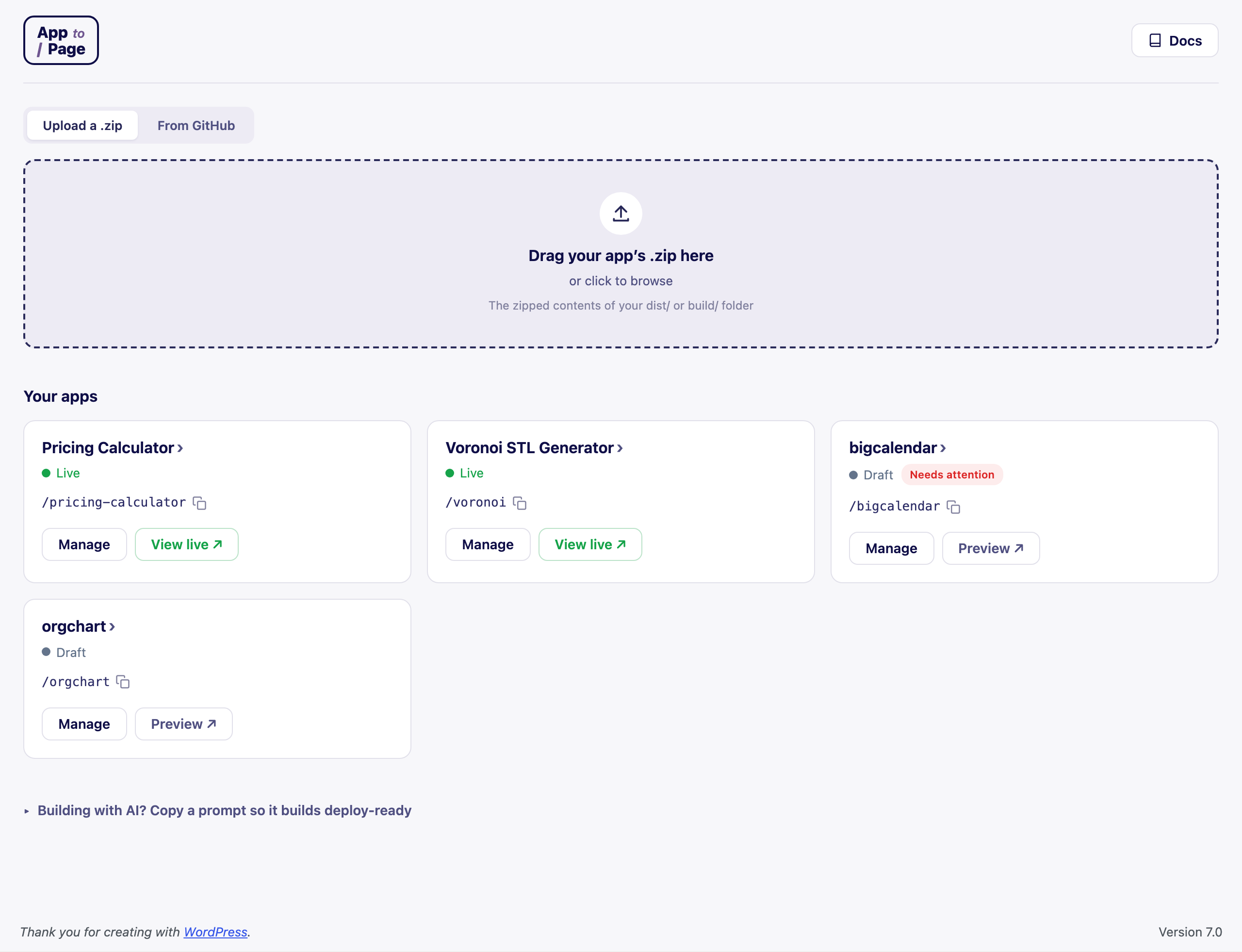
App To Page does one thing well: it takes a built, browser-only web app and serves it at a URL on your WordPress site. No FTP, no separate host, no theme surgery. This page explains what’s happening behind that simple flow, so you know exactly what you’re getting.
What App To Page does (and doesn’t do)
It does: host the built version of a web app — the static files a browser runs (index.html,
JavaScript, CSS, images, and other assets) — and serve them at an address you choose.
It doesn’t: build your app for you, and it isn’t “headless WordPress.” There’s no server-side build step and no framework running on your server. You bring a finished build; App To Page serves it.
That distinction is the whole reason it works on ordinary shared hosting — there’s nothing heavy to run.
What happens when you upload
When you drop a .zip on the upload screen, App To Page:
- Unpacks it into your site’s uploads area, in a folder of its own.
- Fixes the asset paths so your build loads correctly at its new URL. Most build tools assume the
app lives at the domain root (
/). Yours won’t — it’ll live at/your-app. App To Page rewrites the references so your CSS, JavaScript, and images resolve at the new location instead of 404-ing. - Registers the URL you picked, so your site knows to serve the app there.
You don’t configure any of this. You pick a URL; the plugin handles the rest.
How your app is served
When someone visits your-site.com/your-app, App To Page serves your app standalone — your theme’s
header, footer, and styles are not wrapped around it. Visitors see your app exactly as it runs on your
machine, pixel for pixel, and the rest of your WordPress site is left completely alone.
A few things it handles for you automatically:
- Any WordPress URL setting. It serves on the real request, so it works no matter how your site’s permalinks are configured — even the “Plain” setting.
- Deep links for single-page apps. If your app uses client-side routing (most React, Vue, and
Svelte apps do), links to a specific screen and browser refreshes fall back to your
index.html, so they behave just like they do locally. - The right file types. It serves modern assets with correct content types, including
wasm, fonts, and 3D formats likestl,glb, andgltf— the kinds of files that trip up “paste it into a page” tricks.
What you can host
Anything that runs in a browser from static files:
- Single-page apps built with Vite, React, Vue, or Svelte.
- Plain HTML, CSS, and JavaScript — including canvas and WebGL games.
- Asset-heavy tools like 3D model viewers and configurators.
If it’s a folder with an index.html that works when you open it locally, it’ll work here.
What stays safe
- Uploads are admin-only. Only administrators can add or change apps.
- No code execution. The plugin refuses to serve PHP or dotfiles — your uploads are treated as static assets, not runnable code.
- Protected extraction. Zips are unpacked with protection against path-traversal (“zip-slip”) tricks, so a malicious archive can’t write outside its own folder.
- Clean uninstall. Removing the plugin removes the files it stored.
Public or private
Every app is either Public (anyone can view it) or Logged-in only (visitors are sent to log in first). New apps start as a private draft that only you can see, so you can preview before you publish. See Set an app’s visibility.
Frequently asked questions
Is this headless WordPress?
No. Headless WordPress uses WordPress as a back-end API for a separate front-end. App To Page is the opposite idea: it takes a self-contained front-end build and serves it from your WordPress site, with no API and no separate stack.
Does it slow down my WordPress site?
No. Your app is served as static files and doesn’t run alongside your theme or plugins. Visiting your app doesn’t load your WordPress front end, and visiting your WordPress site doesn’t load your app.
Where are my app’s files stored?
In your site’s uploads directory, each app in its own folder. They’re served directly from there at the URL you chose.
Can I host more than one app?
Yes — host as many as you like, each at its own URL.